

Should you use a Google doc for your resume?
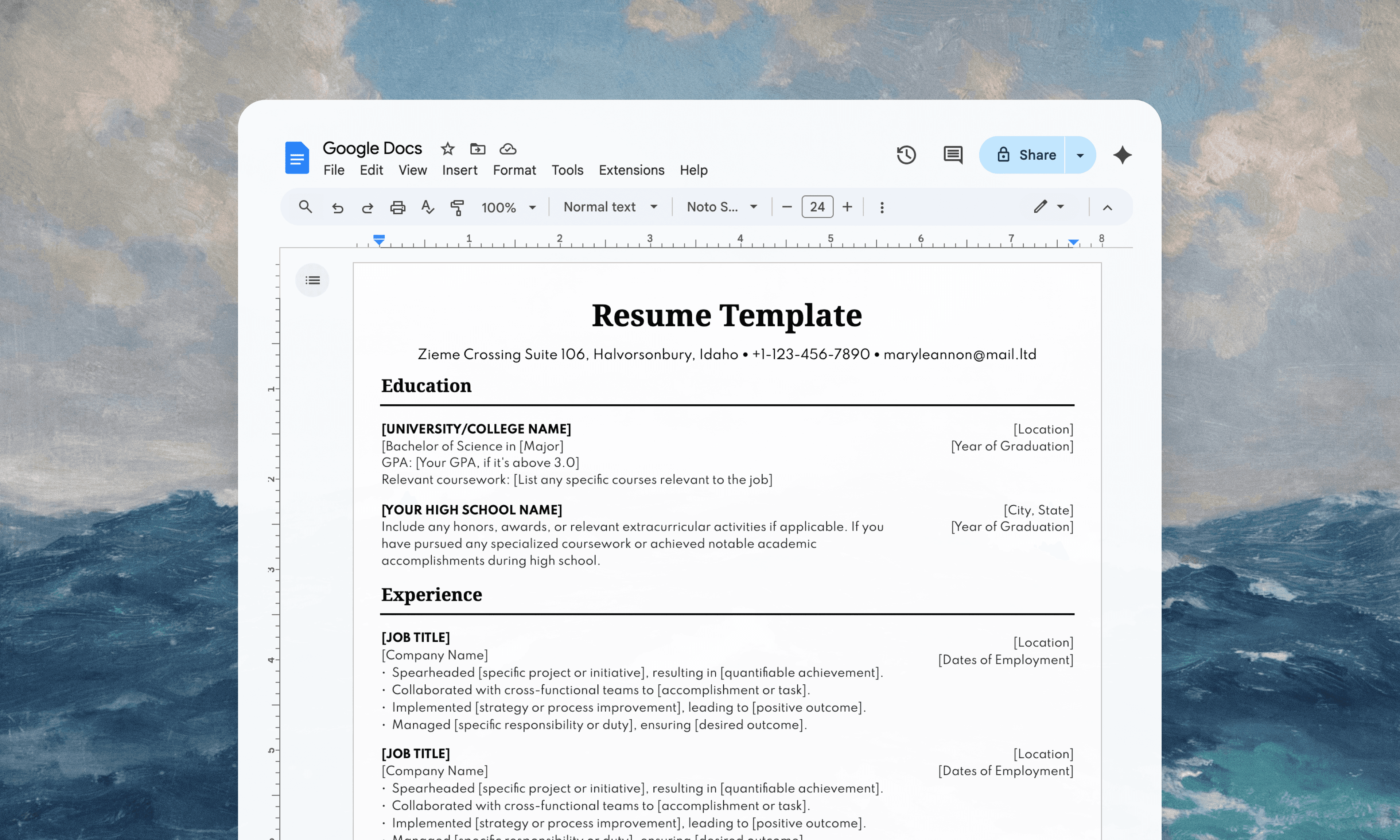
Google Docs feels like the obvious choice for resume writing. It's free, collaborative, and accessible from anywhere. You can share it with friends for feedback, access it on any device, and never worry about version control. For most writing projects, it's an excellent tool.
Resume creation, however, presents a specific technical challenge. When you export your Google Docs resume to PDF or Word format for job applications, the conversion process creates formatting artifacts that can confuse Applicant Tracking Systems. Since 98.4% of Fortune 500 companies use ATS to screen applications, these parsing issues have real consequences.
The formatting problem
ATS systems use linear text extraction algorithms that read documents from top to bottom, line by line. They're looking for standard patterns and expecting predictable formatting — much of which exists in the file structure itself, not something you can actually see on screen. When your exported Google Doc introduces unexpected elements during conversion, the parsing breaks down. What looks perfect on paper might export with hidden formatting that causes sections to be misread or be skipped entirely. Your name, work history, or education can literally disappear, leading to automatic rejection before any human reviews your application.
The frustrating reality is that you never know when this happens. Hiring managers don't get notifications about parsing failures — you just never hear back.
The resume builder solution
The best tool for your resume is a purpose built resume builder. We built Every.cv to help your avoid these problems by generating clean, properly formatted files with consistent output.
Every.cv handles all the technical requirements automatically — single-column layouts, ATS-optimized fonts, consistent heading styles, and proper section structure without requiring you to remember formatting rules. The platform prevents common mistakes by restricting you to ATS-friendly options, eliminating tables, text boxes, and font combinations that break parsing algorithms. Instead of wondering if your resume will survive the ATS screening process, you get a document that's already optimized for ATS compatibility.
Google Docs is excellent for collaborative writing, note-taking, and document sharing. But resume creation isn't what it's built for, and the export process creates too many variables that can sabotage your job search. Your resume is too important to leave formatting to chance. Every application represents hours of research, customization, and hope. Don't let a hidden formatting issue be the reason your resume gets buried by the bots.
The job search is hard enough without fighting formatting battles (because honestly, you have better things to worry about). Your career deserves that level of intentionality.